Digital Options: Web
View Publications on Computers
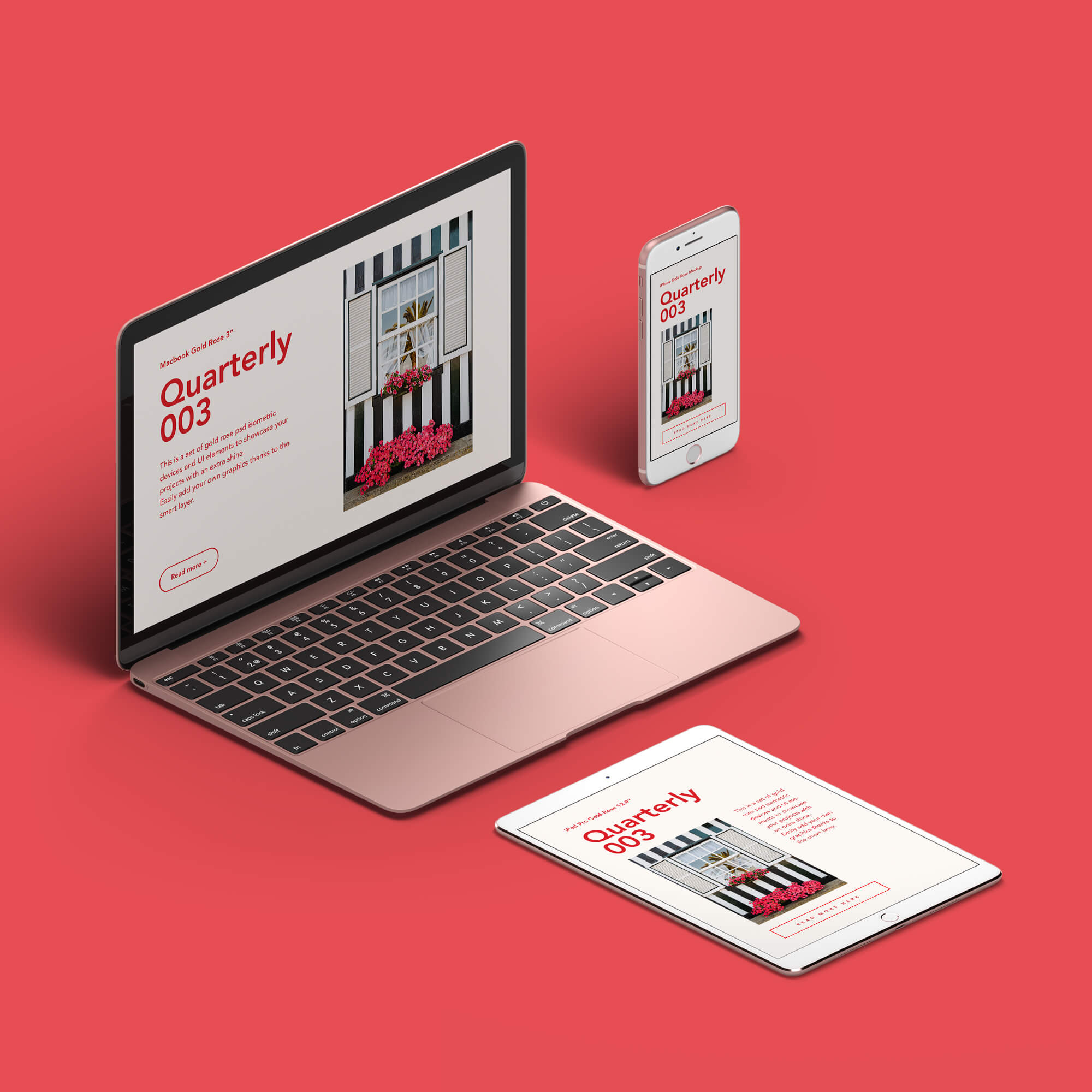
There are two ways to view digital publications on a computer:
- Web Viewer: Read free and paid digital versions of MagCloud publications directly from our website.
- PDF Download: Download a digital PDF copy of free and paid publications and read them at your leisure. To view a digital download on a computer all you need is a standard PDF reader to view the PDF you download, such as Adobe Acrobat Reader ®.
Digital publications are for personal viewing on the device of choice - PC, Mac or mobile. Each downloaded PDF is digitally marked to discourage unauthorized sharing. The PDF version can be printed on a home or office printer, but to respect the publisher's copyright, cannot be modified or copied.
Digital Distribution Made Easy
MagCloud allows you to upload a PDF once and make it available in print or digitally via our web-based viewer, the MagCloud iPad app, or as a downloadable PDF.
After uploading your PDF and selecting your binding, you will have the option to Sell Online. This is where you will add any markup to your print version, and will have the option to opt-in to digital distribution. Opting-in to digital distribution is a one time setting that instantly gives readers digital access via the web viewer, iPad app and PDF download.
Digital publications can be free, free with print purchase, or paid. If you set a price, proceeds are split: 70% Publisher, 30% MagCloud. Prices must be at least $1.
Add Value with Hyperlinks
Digital publications support the use of hyperlinks for both images and text. This means you can link from your catalog of products back to an ecommerce site, or allow customers to draft emails to an address listed in your brochure just by clicking on it. You can also use hyperlinks to add value to your advertising space by allowing readers to click through to your advertisers’ websites.
Learn MoreLaunch Online Publications From Your Site
Publishers can launch the web viewer version of their publication directly from their website or blog. From the Promote page, simply select what you want your embeddable badge to look like, then copy the code provided into the site where you wish to embed the badge.
When readers click on the badge the web viewer will launch. If the publication is free users can view all the pages in your publication. If you've set a price on your publication then users can preview the first three pages and back cover and will be prompted to sign in to access or purchase the digital version.
Measure Success with the MagCloud Web Viewer Stats
Publishers can monitor how well their readers engage with their online publications via the Stats section in their account. Publishers can see important web viewer reading stats including the number of total readers, publications read, pageviews, shares, hyperlinks clicked, click through rates etc. for all their collections or a single publication.
MagCloud Web Viewer
With the new MagCloud Web Viewer you can read, explore and share your favorite digital publications from inside your web browser of choice. Start using the web viewer today at http://www.magcloud.com/shop.
Calculate Digital Pricing
You can choose to make your digital publications available for free, for free with print purchase, or for a price ($0.99 or above).
When you set a price for your digital publication, you will earn 70% of that price on all sales through MagCloud.com.
Learn more about digital pricing